2.4 GHz
Busy and narrow
Ofcom says the UK has 83 MHz for Wi-Fi at 2.4 GHz, and routers usually stick to channels 1, 6 and 11. Many networks share them.
Compare the bands wifimixers
WHAT THE RULES SAY
A tablet on Wi-Fi is only as steady as its channel.
LISTEN FIRST radar has priority
60 s Listening time before a DFS channel is used
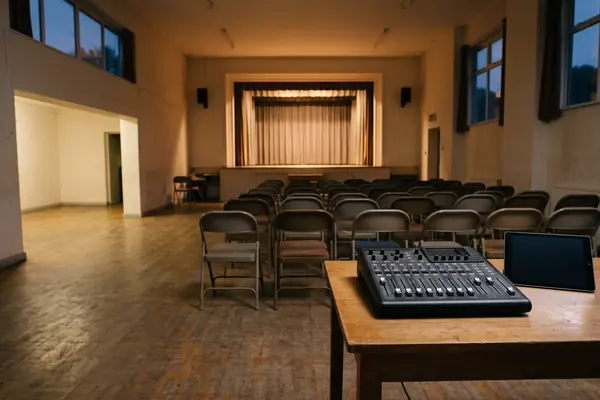
When a mixing desk is run from a tablet, the wireless link is part of the sound system. UK rules split Wi-Fi into bands with different limits, and some 5 GHz channels must listen for radar before they carry anything.
THE SHORT ANSWER
Each Wi-Fi band comes with its own rules.
They are set out in Ofcom's IR 2030.
2.4 GHz
Ofcom says the UK has 83 MHz for Wi-Fi at 2.4 GHz, and routers usually stick to channels 1, 6 and 11. Many networks share them.
Compare the bands5 GHz
Parts of the 5 GHz band must use Dynamic Frequency Selection: the device checks for radar first and must move off a channel if it hears one.
See the timingsOUTDOORS
IR 2030 keeps 5250-5350 MHz inside buildings, and the 6 GHz band allows only 25 mW very low power use outdoors.
Plan the linkA QUICK BAND CHECK
Pick a Wi-Fi band to see what UK rules say about it. The bar shows how likely radar protection rules are to get in the way of a steady link.
Based on Ofcom's IR 2030 (published 7 April 2026) and ETSI EN 301 893. General information, not legal advice; check your equipment's own settings.
FOUR CHECKS BEFORE A SHOW
These come straight from how the rules work. They are about choosing where the control link lives, not buying new kit.
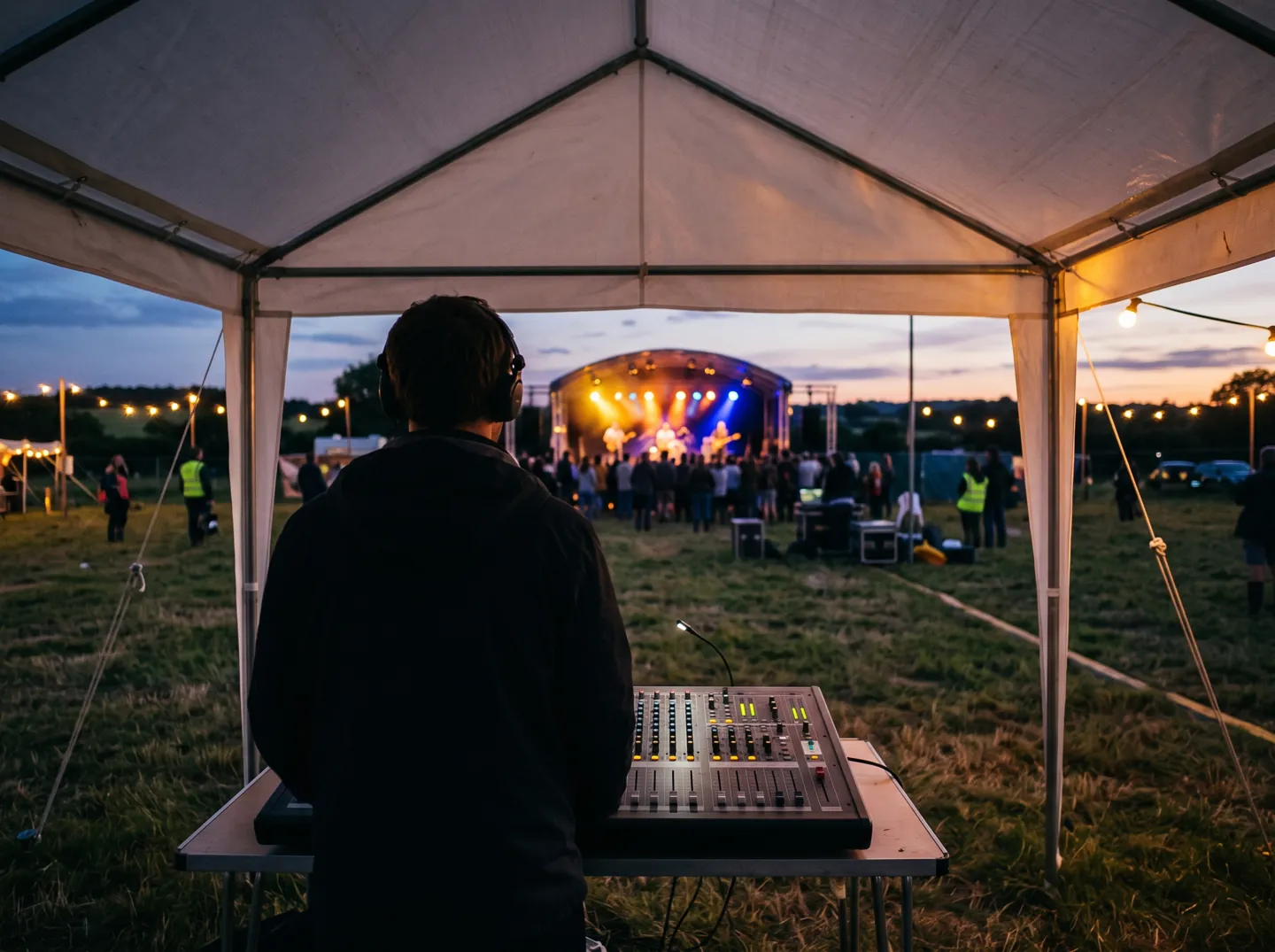
Look in the router or access point settings for the band and channel the desk's network is on.
A DFS channel can pause for at least 60 seconds to check, and must clear off for 30 minutes if radar is detected.
With only three usual channels, 2.4 GHz is shared with every nearby network.
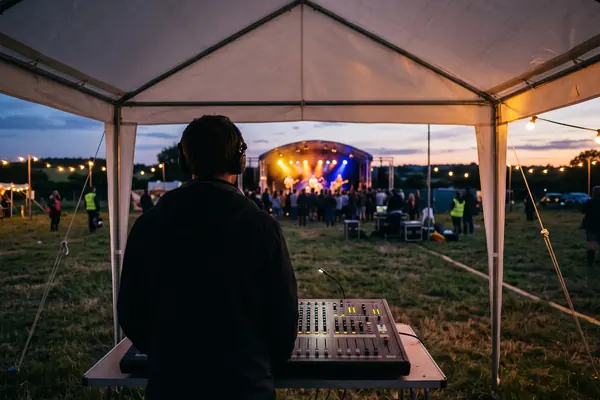
For a field or a marquee, 5250-5350 MHz is indoors only and 6 GHz drops to very low power.
TWO NUMBERS WORTH KNOWING
One figure on how long a DFS channel listens,
one on how long it stays shut after radar.
60 s
Listening time before a DFS channel is used
ETSI EN 301 893 sets a 60-second channel availability check. For channels touching 5600-5650 MHz it is 10 minutes.
CHANNEL CHECK · ETSI
30 min
Time a channel stays off-limits after radar
Once radar is detected, the device must leave the channel (channel move time 10 seconds) and not transmit there for at least 30 minutes.
AFTER RADAR · ETSI
Ofcom's 2020 statement says DFS can cause connection delays, is prone to false triggers that interrupt the connection unnecessarily, and pushes many access points towards the lower, non-DFS channels.
WHY DFS EXISTS
Parts of the 5 GHz band are also used by military and meteorological radars. Dynamic Frequency Selection protects them: the device scans for radar and switches channel if it detects radar pulses on its own channel.
Ofcom found the 5.8 GHz band was very lightly used because of DFS, and removed the requirement for indoor use up to 200 mW in 2020, judging the risk of undue interference from indoor Wi-Fi to be extremely low.
Questions
Wi-Fi in the bands listed in Ofcom's IR 2030 is licence-exempt, provided the equipment keeps to the power limits and other conditions for that band.
Dynamic Frequency Selection. On some 5 GHz channels, Wi-Fi must check for radar before using a channel and move away if it detects radar, to protect military and weather radars.
On a DFS channel, ETSI EN 301 893 requires a 60-second channel availability check before transmitting, or 10 minutes for channels that touch 5600-5650 MHz.
Some of it. IR 2030 limits 5250-5350 MHz to inside buildings or similar enclosed spaces. 5150-5250 MHz and 5725-5850 MHz must not be part of a fixed outdoor installation.
Yes. Ofcom opened 5925-6425 MHz to Wi-Fi in 2020. IR 2030 allows low power indoor use up to 250 mW and very low power use up to 25 mW indoors and mobile outdoors.
Updated
ABOUT THIS NAME
wifimixers.com is part of the DoodleSale portfolio. It isn't in an auction right now, but you can ask about leasing it.